Twitter Video Downloader
Download videos from X (Twitter) in the quality they were posted, up to 1080p. Paste a public post link, pick an MP4 size or MP3, and save it to your phone or computer. Free, with no app and no login.
- Up to 1080p MP4
- MP3 audio
- x.com & twitter.com links
- No login
Only download videos you own or have permission to save. Not affiliated with X Corp. or Twitter.
How to Download Twitter Videos in 3 Steps
Copy the post's link, paste it here and pick a quality. The steps are the same in the X app and on x.com in a browser.
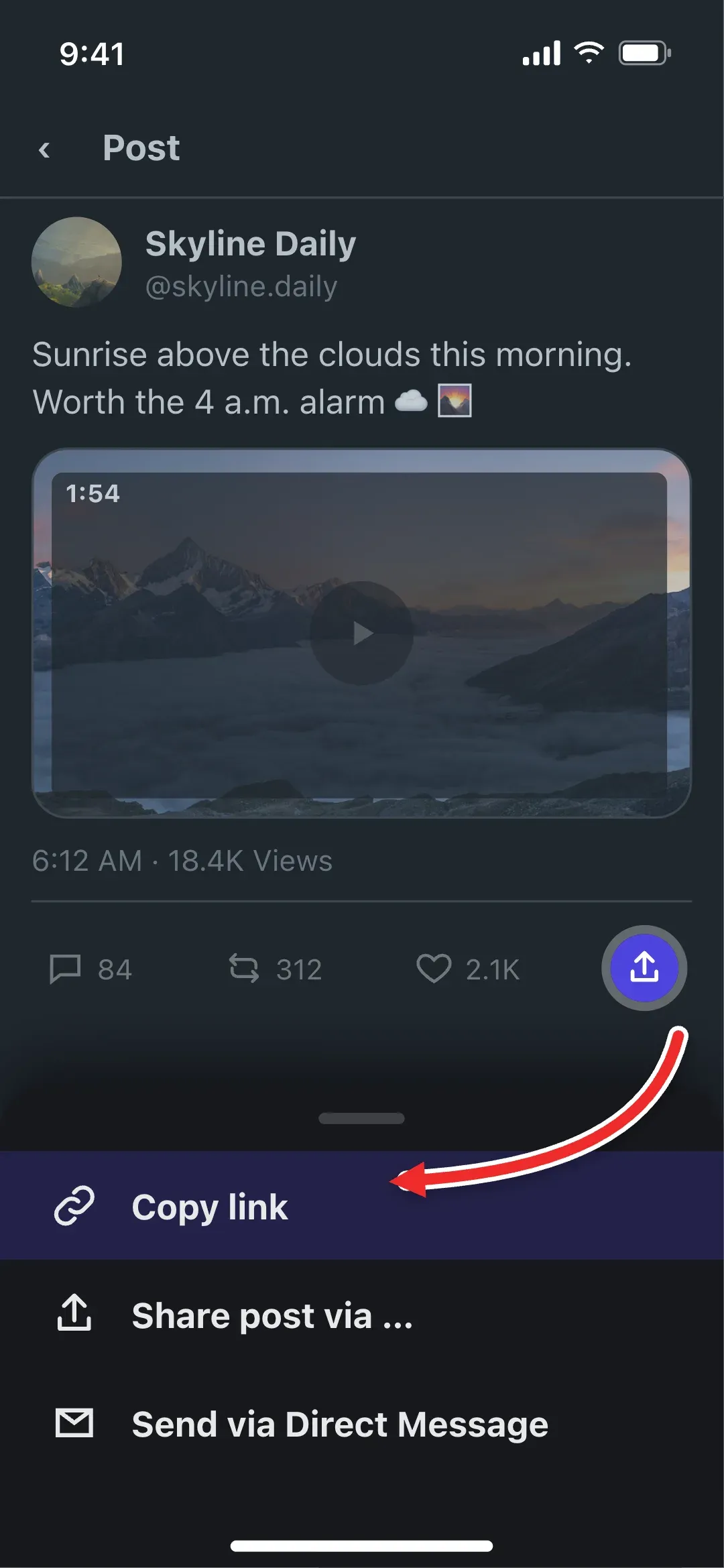 1
Copy the Post Link
In the X app, tap the share icon under the post and choose Copy link. On a computer, open the post and copy the URL from the address bar.
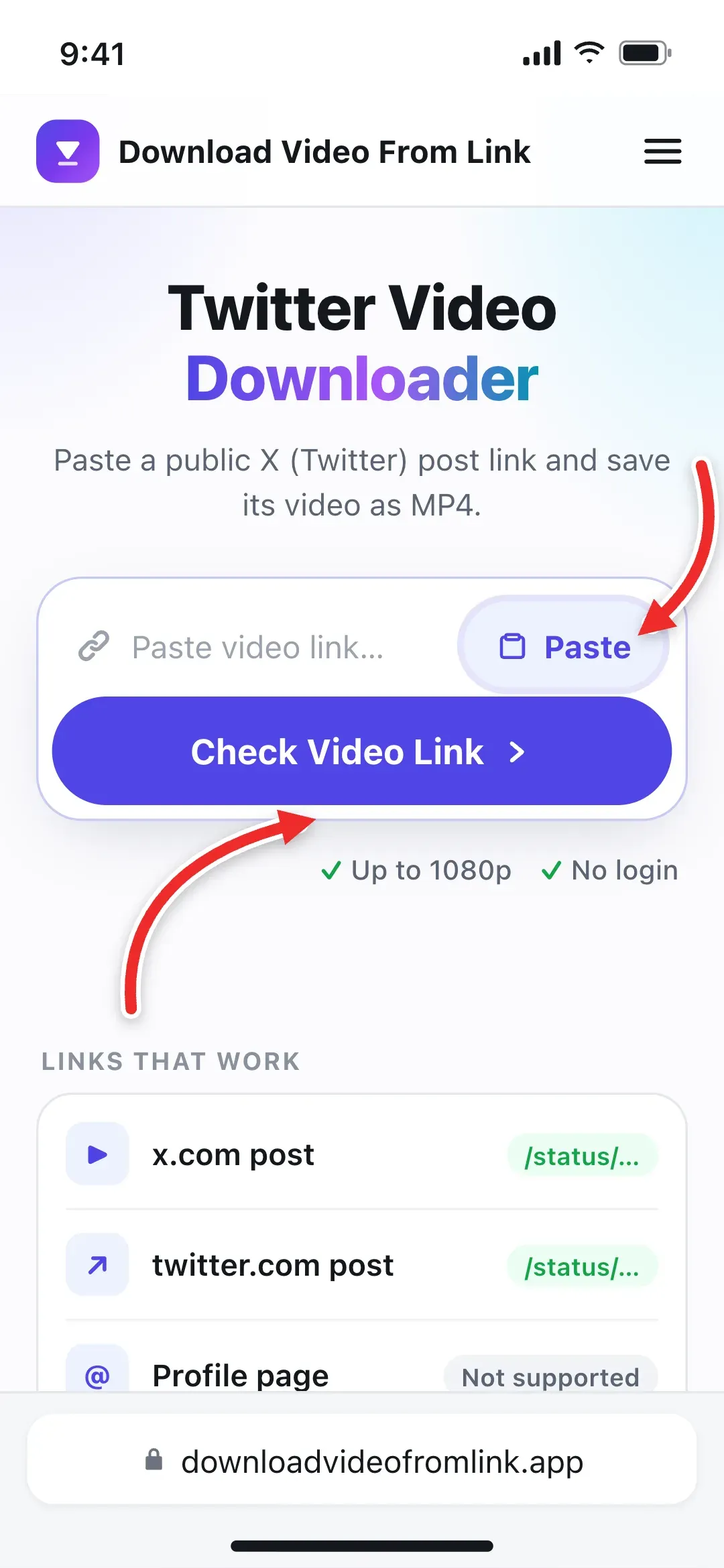 2
Paste It Here
Paste the link into the box at the top of this page and select Check Video Link, or tap Paste to do both in one go.
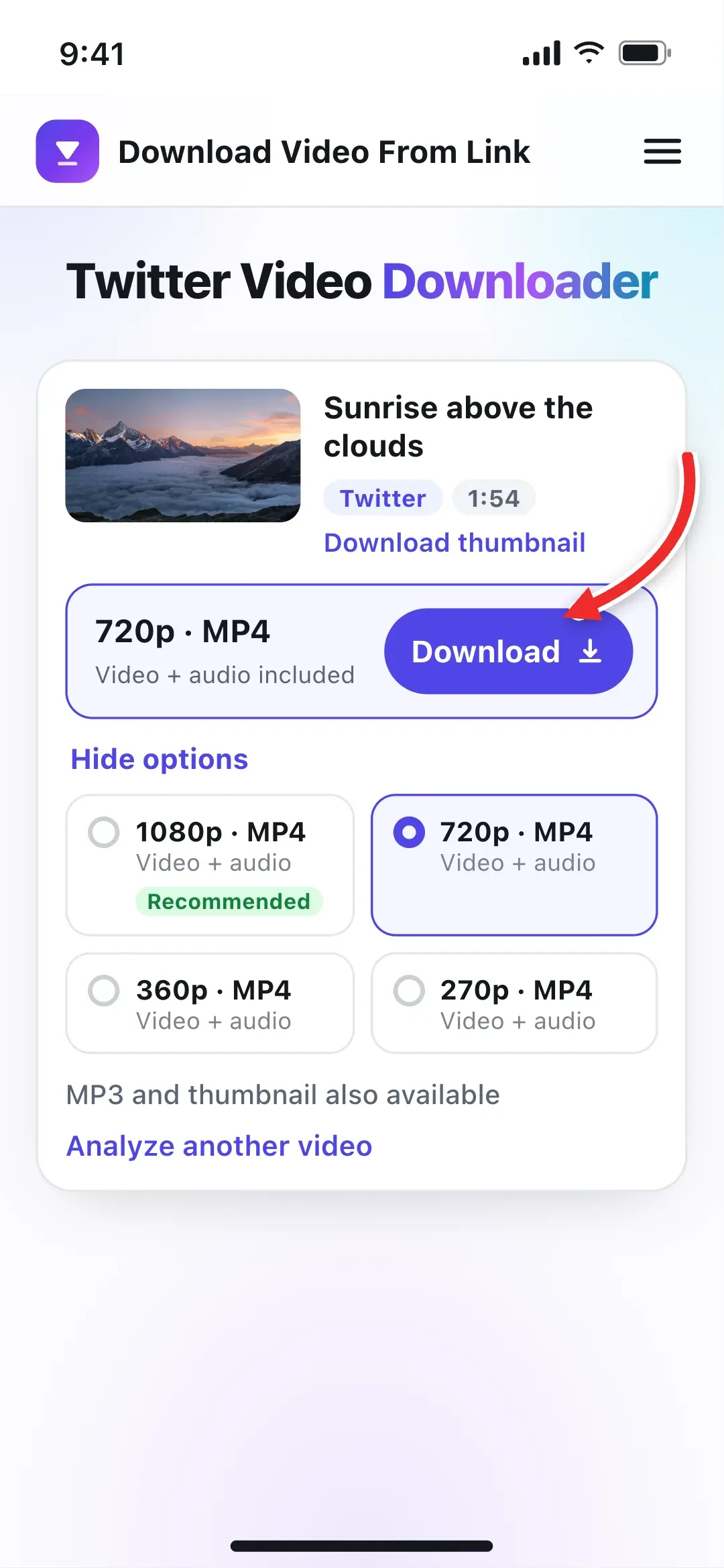 3
Pick a Quality and Download
Choose 1080p, 720p or a smaller MP4, or switch to MP3, then tap Download. The file saves with its sound.
What You Get From One X Video Link
X keeps several copies of every uploaded video, one for each screen size. This X video downloader reads the public post and lists exactly those copies, so you choose the file rather than getting whatever a screen recorder captures.
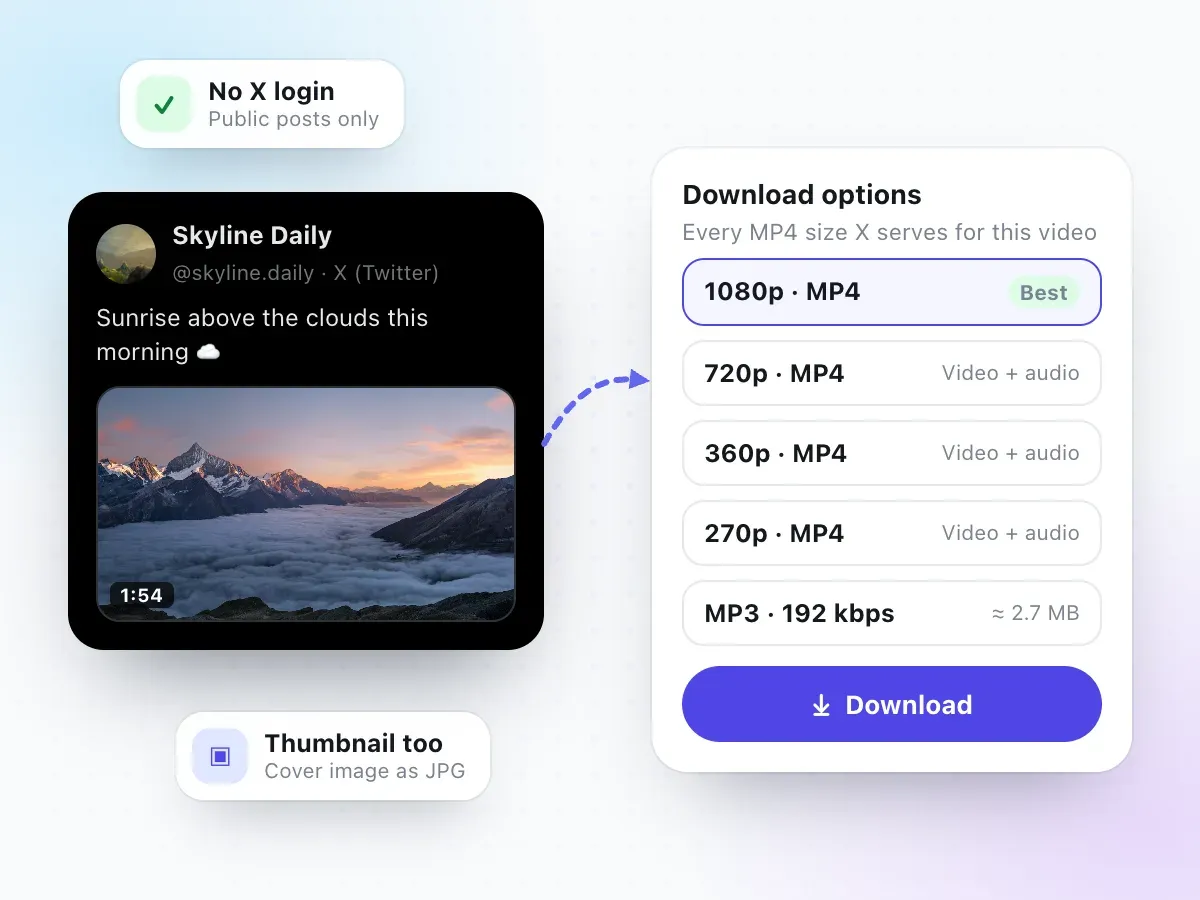
When we tested a public post with a 1 min 54 s video on November 7, 2026, it offered four MP4 files: 1080p, 720p, 360p and 270p. Every one had sound. The 360p download was a 640 × 360 H.264 video with stereo AAC audio, 3.9 MB in total, which plays on any phone, computer or TV.
- MP4 files in each size X stores for the video
- The sound as an MP3, from 128 to 320 kbps
- The video's cover image as a JPG
- No upscaling: a 720p upload stays 720p
Where to Copy a Twitter Video Link
Every public post on X has its own link. Here is where to find it, whichever way you use X.
In the X app
Tap the share icon (the arrow pointing up) under the post, then Copy link. If you're watching full screen, tap the video first to show the buttons.
A working link looks like
- x.com/user/status/…
On a computer
Click the post's timestamp or the post itself so it opens on its own page, then copy the URL from the address bar.
A working link looks like
- x.com/user/status/…
- twitter.com/user/status/…
From a message or website
Links shared in chats, emails or embedded on websites work too, as long as they open a single public post.
A working link looks like
- twitter.com/user/status/…
- mobile.x.com/…
Extra bits after the ?
Copied links often end in ?s=20 or ?t=… tracking codes. Paste them as they are; they don't stop the download.
Quote posts and replies
If the video sits inside a quoted post, tap through to the original post and copy that link instead.
Only want the sound?
Paste the same link and switch to MP3, or use the video to MP3 converter.
Which X Posts Can You Download?
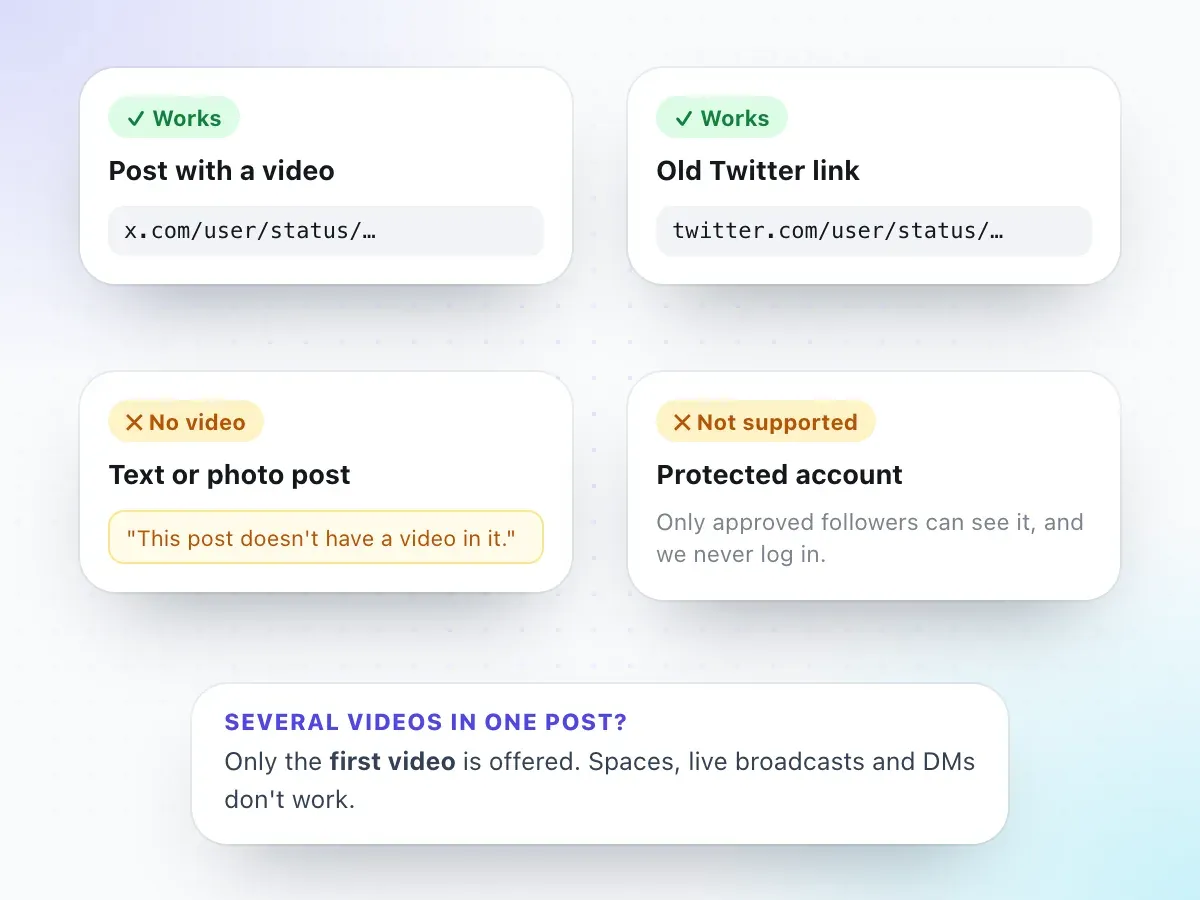
The downloader works with any public post that plays a video, whether the link starts with x.com or the older twitter.com. It reads the post the same way a logged-out visitor sees it, which is why some posts are out of reach.
- Public posts with a video, on x.com or twitter.com
- Links copied from the app, a browser or a chat
- Text-only or photo posts ("This post doesn't have a video in it.")
- Protected accounts, Direct Messages, Spaces and live broadcasts
One more rule: if a post holds several videos, you get the first one. Everything else on the supported sites and tools page follows the same idea: if we haven't tested it, we don't promise it.
1080p, 720p or Smaller: Which Twitter Video Quality to Pick
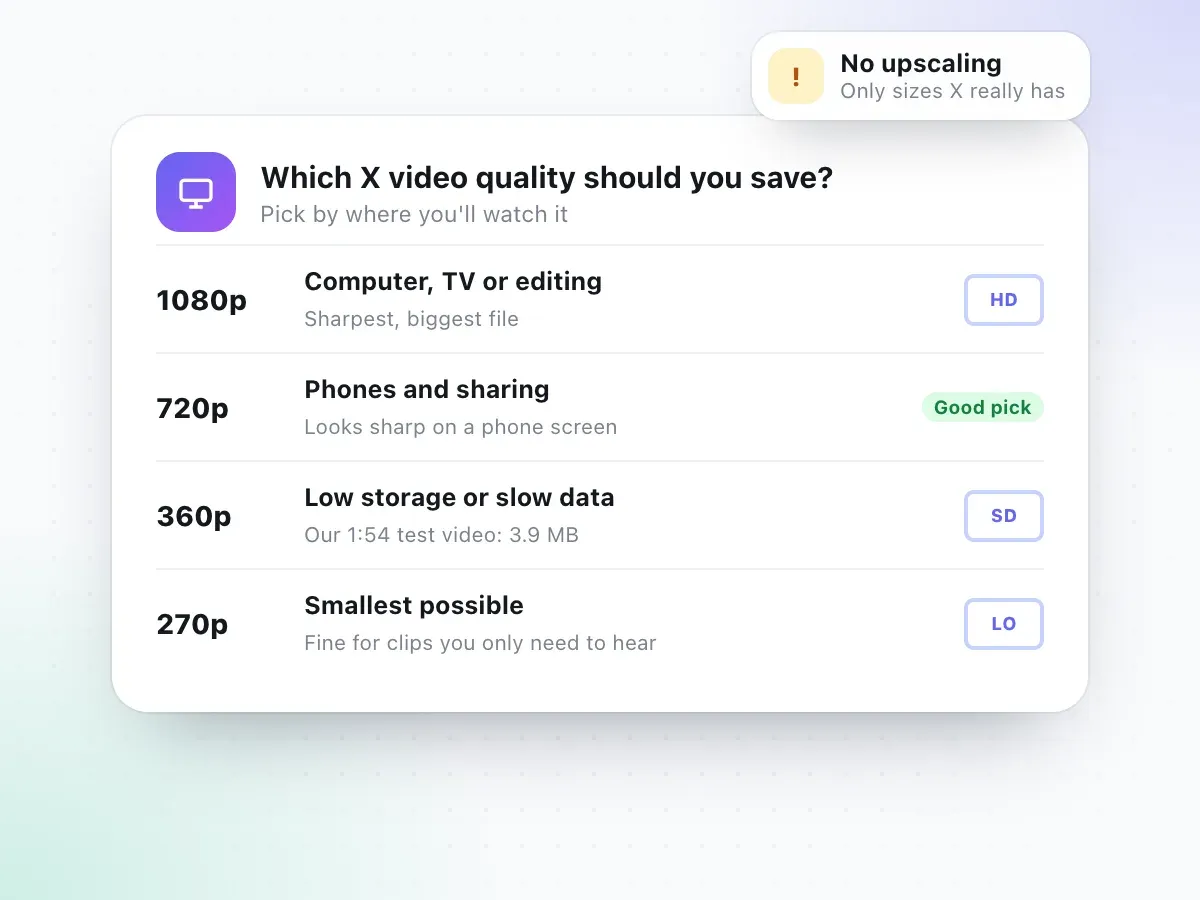
The numbers are the height of the picture in pixels for a landscape video. Bigger means sharper on a big screen, and a bigger file. On a phone, the difference between 1080p and 720p is hard to see, so 720p is usually the sensible choice when you're saving videos on mobile data.
| Quality | Best for | Note |
|---|---|---|
| 1080p | Watching on a computer or TV, or editing the clip | Sharpest; the biggest file |
| 720p | Phones, sharing in chats, most everyday saving | Our usual pick |
| 360p | Low storage or slow mobile data | 1 min 54 s test video: 3.9 MB |
| 270p | When you mostly need the sound or a rough copy | Smallest option |
X doesn't report reliable file sizes for its video copies, so we don't show a guess next to each MP4. As a guide, our 1 min 54 s test video was 3.9 MB at 360p; higher qualities are several times larger. For the full picture, see 720p vs 1080p vs 4K.
Beyond MP4: Twitter to MP3 and Short Clips
Saving the whole video is the main job, but the same X link can give you just the sound, or just the part you need.
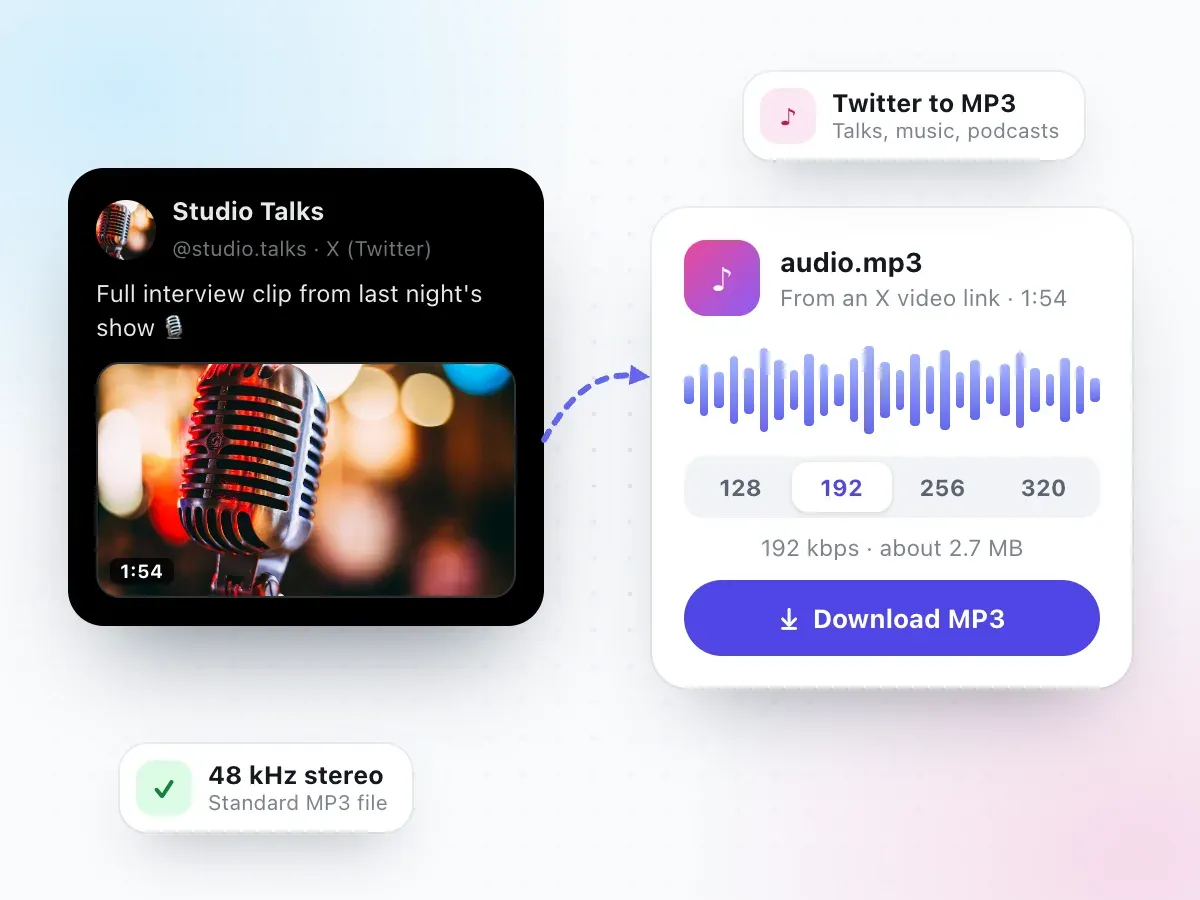
Talks, interviews, podcast clips and music posts often work better as audio. Switch to the MP3 tab after the video is found. In our test, 192 kbps gave a 48 kHz stereo MP3 of about 2.7 MB for a 1 min 54 s video, and the size is shown before you download.
- 128, 192, 256 or 320 kbps
- Size estimate shown first
- Listen with the screen off
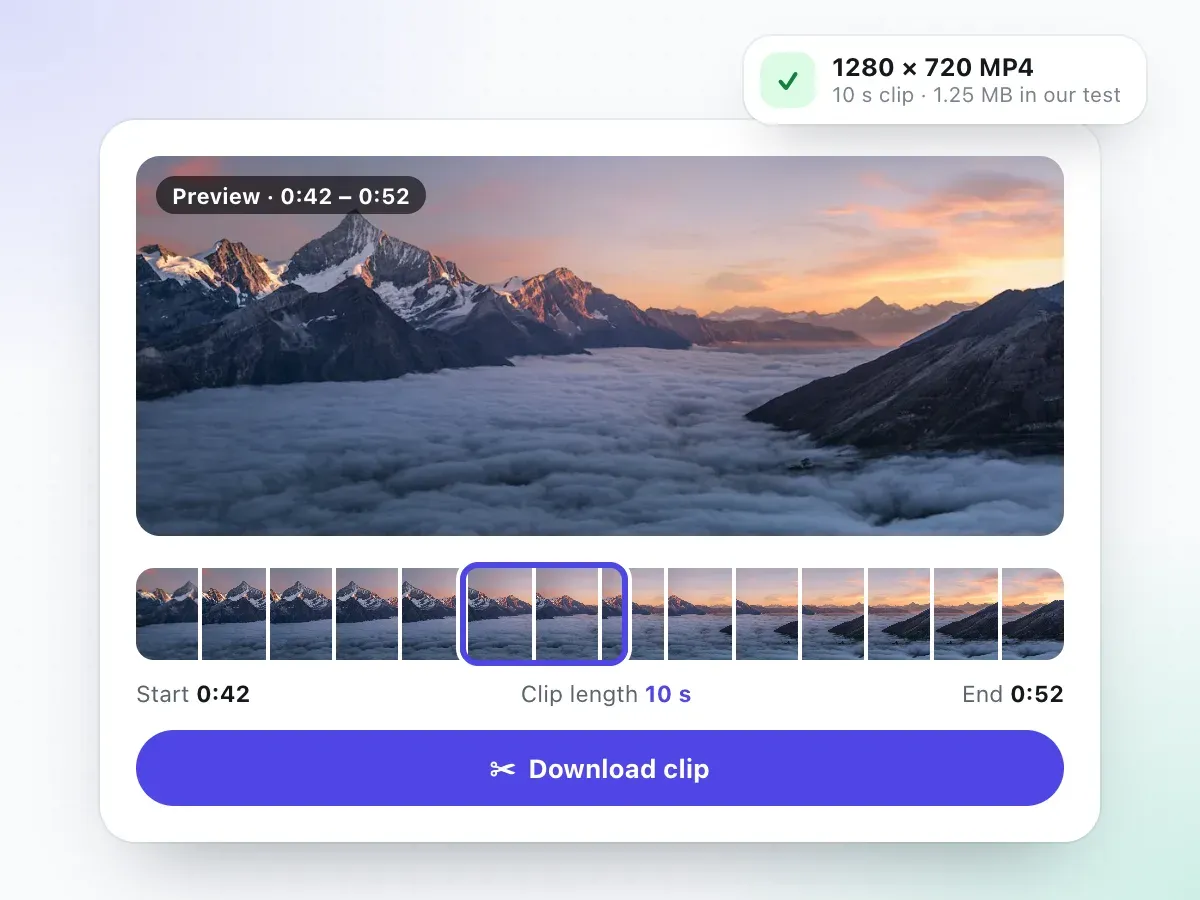
Only need ten seconds of a long post? Paste the link into the video trimmer, set a start and end, and download just that part. We tested a 10-second cut from a 720p X video: it came out as a 1280 × 720 MP4 with sound, 1.25 MB.
- Clips up to 10 minutes long
- Keeps the picture size you choose
- H.264 video with AAC sound
X Video Downloader vs. Other Ways to Save a Video
X lets you bookmark a post, but that only keeps a link inside the app. Here is how the common options compare.
| Feature | This downloader | Bookmark on X | Screen recording | Downloader bots & apps |
|---|---|---|---|---|
| A video file you keep | Yes, MP4 | No, a saved link | Yes | Usually |
| Quality | As X stores it, up to 1080p | Streams in the app | Screen resolution, re-encoded | Varies |
| Works if the post is deleted | Yes, once saved | No | Yes | Yes |
| Login or install | Neither | X account | None | App or reply to a bot |
| MP3 option | Yes | No | No | Sometimes |
Bookmarks are fine for coming back to a post later. When you need the video itself, outside X and without the post's replies around it, download it.
Download Twitter Videos on iPhone, Android or PC
You can save Twitter videos the same way in every modern browser. What changes from one device to another is where the MP4 lands and how you get it into your gallery.
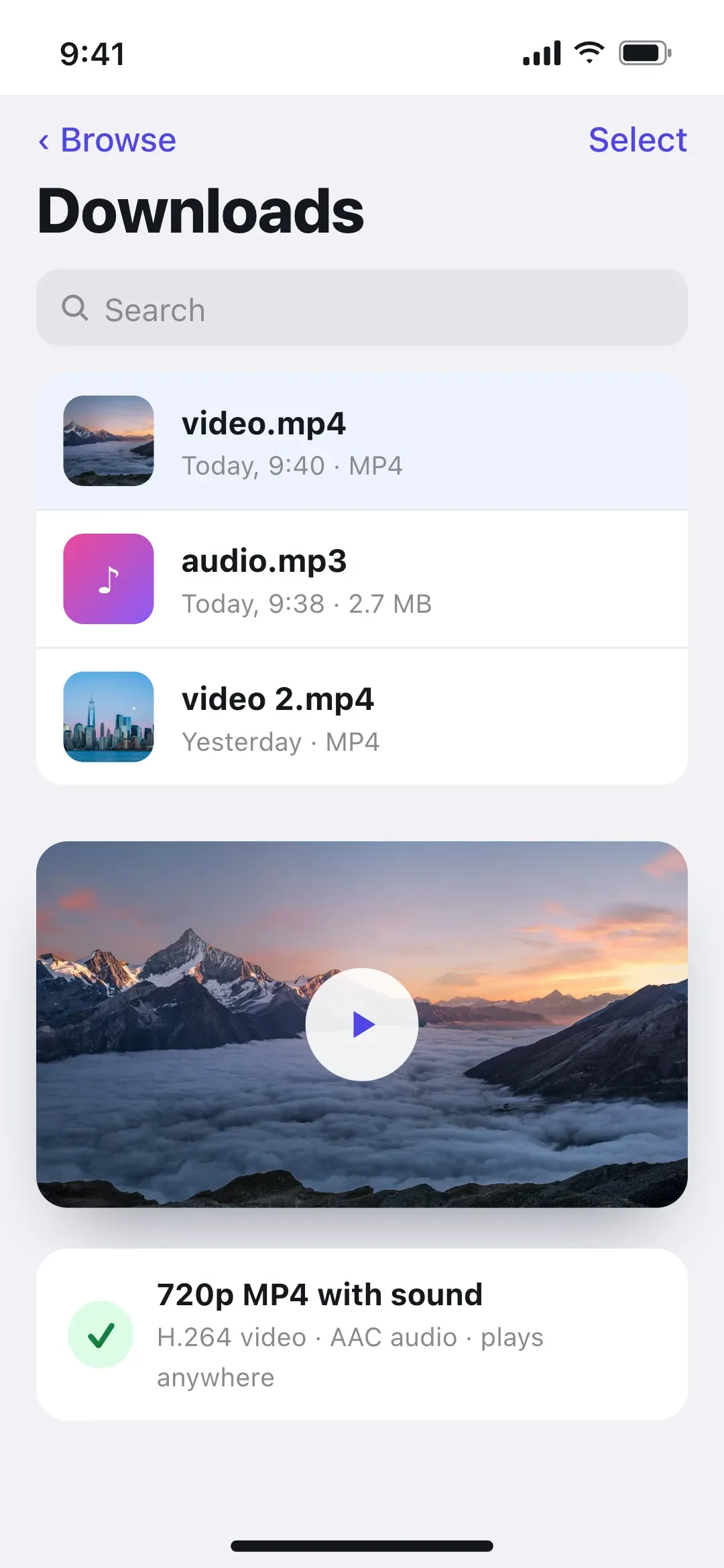
Every video downloads as video.mp4 and every MP3 as audio.mp3. Rename the file after saving, for example with the account name and a few words about the clip, so you can find it later.
iPhone
Copy the link in the X app, open this page in Safari, paste and tap Download. Open the file in Files, tap Share and choose Save Video to put it in Photos.
Saved to: Files app › Downloads
Android
Copy the link, open this page in Chrome, paste and tap Download. The MP4 goes to Downloads and usually shows up in your gallery or Files app.
Saved to: Downloads folder
PC and Mac
Open the post on x.com, copy the URL from the address bar, paste it above and click Download. 1080p is worth it on a big monitor.
Saved to: Your browser's Downloads folder
Twitter Video Download Not Working? Common Fixes
The usual reasons an X video won't download, and what to try. For anything else, read why a video download is not working.
"This post doesn't have a video in it"
The link opens a text or photo post. Open the post that plays the video itself, not a reply or quote around it, and copy that link.
The account is protected
Protected posts are only visible to approved followers. We never log in, so these can't be downloaded.
You pasted a profile link
A link like x.com/username is a whole profile. Open the single post and copy its link; it contains /status/.
The wrong video came through
In a post with several videos, only the first one is offered. Look for the clip posted on its own.
It's a Space or a live broadcast
Spaces and live broadcasts aren't supported. A recording posted as a normal video afterwards will work.
Nothing happens on iPhone
Use Safari and check Files › Downloads. Safari saves files there even when no prompt appears on screen.
Why Use This X (Twitter) Video Downloader
Short and specific, and every point is something we checked.
Every size X serves
You see the real list for that one video, often 1080p down to 270p, and choose. Nothing is upscaled or relabelled as HD.
Sound included
Each MP4 option carries the video and its audio together in one file, so there's nothing to merge afterwards.
No X login
We never ask for your X or Twitter account. The video comes from the public post, not from your profile.
MP3 and thumbnail too
The same link gives you the sound as an MP3 and the video's cover image as a JPG, without pasting it again.
Works on any device
A web-based X video downloader: Safari, Chrome, Edge or Firefox on a phone, tablet or computer. No extension.
Clear about limits
Protected posts, Spaces and posts without a video don't work, and you'll get a plain message instead of a broken file.
Twitter Video Downloader FAQ
How do I download a video from Twitter (X)?
Open the post with the video, tap the share icon and choose Copy link. Paste the link into the box at the top of this page and select Check Video Link. Pick a quality such as 1080p or 720p and tap Download. The video saves as an MP4 file with its sound.
Is this Twitter video downloader free?
Yes. There's no charge, no account and nothing to install. It runs in the browser on iPhone, Android, Windows, Mac and Chromebook.
Does it work with x.com links and old twitter.com links?
Both. Links that start with x.com, twitter.com, mobile.x.com or mobile.twitter.com all work, as long as they point to a single post (they contain /status/ followed by a number).
What quality can I download X videos in?
Whatever X itself stores for that video. In our test, a public post offered 1080p, 720p, 360p and 270p MP4 files, each with sound. Older or lower-quality uploads may offer fewer sizes. We never upscale a video or label a small file as HD.
Can I save a Twitter video as MP3?
Yes. After the video is found, switch to the MP3 tab, choose a bitrate from 128 to 320 kbps and download. The estimated size is shown first; for our 1 min 54 s test video, 192 kbps came to about 2.7 MB.
Why does it say "This post doesn't have a video in it"?
The link points to a post with only text, photos or a link card. Open the post that actually plays the video; if it's a quote post or a reply, tap through to the original post and copy that link instead.
The post has several videos. Can I download all of them?
Only the first video in a post is offered. If you need another one, check whether the creator posted it separately and use that post's link.
Can I download videos from protected accounts, Spaces or DMs?
No. Protected posts are only visible to approved followers, and we never log in to X, so they can't be read. Spaces, live broadcasts and videos in Direct Messages aren't supported either.
Where are downloaded X videos saved?
On iPhone, Safari puts the file in the Files app under Downloads, and you can use Save Video from the share sheet to add it to Photos. On Android it goes to the Downloads folder and usually shows in your gallery. On a computer it's in your browser's Downloads folder, named video.mp4.
Do I need an X account or an app to download?
No. You don't sign in and you don't install anything. Be wary of any downloader that asks for your X password: a public video never needs it.
Is it legal to download videos from Twitter?
Saving your own videos, or ones you have permission to keep, is fine. Most videos on X belong to the people who posted them, so don't re-upload or reuse someone else's clip without permission. X's terms and copyright law still apply after you save a file.
Saving from other apps? Try the TikTok video downloader or the Instagram video downloader, or cut a clip first with the video trimmer.
Have an X video link?
Paste it at the top of the page and save the video as an MP4 in a few seconds.
Download a Twitter video